
Download CloneDVD Mobile – DVD to mobile, video converter, portable video, mobile movie, video format conversion, DVD ripper, mobile playback, video tool, utility app, productivity app
Overview
CloneDVD Mobile is a specialized utility designed to simplify the process of converting DVD content into formats suitable for portable devices. Developed by SlySoft, the app builds on the legacy of its predecessors, CloneCD and CloneDVD, offering a streamlined solution for users seeking to enjoy their DVD libraries on mobile platforms. The primary purpose of the app is to enable high-quality video conversion from DVDs to formats compatible with devices such as the Sony PSP and Apple iPod Video, while also supporting standard video formats for PC playback. This functionality addresses a common challenge for users who want to access their physical media collections on-the-go.
The target audience includes individuals with extensive DVD collections who wish to digitize content for mobile viewing, as well as users who frequently travel or need portable access to movies. Real-world use cases include converting family home videos, commercial DVDs, or personal recordings for playback on smartphones, tablets, or dedicated media players. By bridging the gap between physical media and modern mobile ecosystems, CloneDVD Mobile plays a role in preserving access to legacy content in a digital format. The app's focus on usability and compatibility makes it a valuable tool within the productivity and utility category, particularly for users prioritizing convenience and flexibility in media consumption.
Key Features & Functionality
- User-Friendly Interface: Designed with accessibility in mind, CloneDVD Mobile offers an intuitive layout that allows users of all technical levels to navigate the conversion process without difficulty. The straightforward design minimizes learning curves, enabling immediate use upon installation.
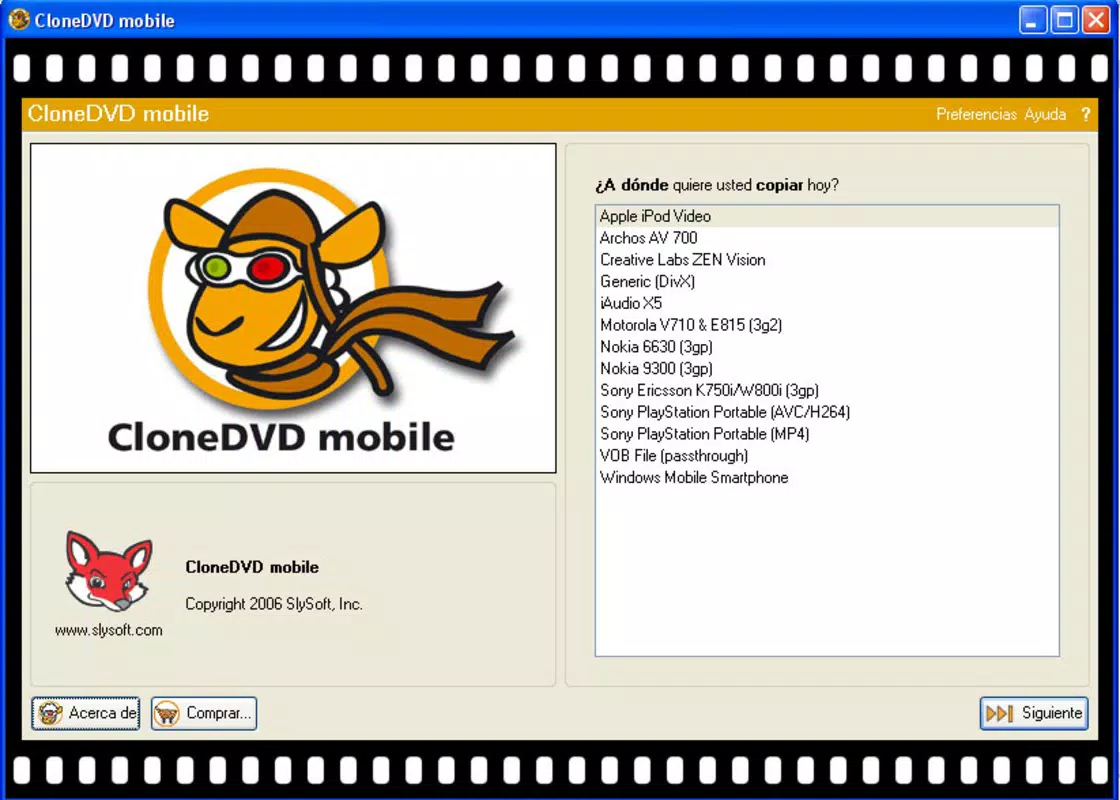
- Wide Format Support: The app supports multiple output formats tailored for popular portable devices, including Sony PSP and Apple iPod Video. This ensures broad compatibility across a range of handheld media players and smartphones.
- High-Quality Video Conversion: CloneDVD Mobile maintains strong visual fidelity during the conversion process, delivering clear and vibrant playback on smaller screens. This is particularly beneficial for users who prioritize image quality when watching movies on mobile devices.
- Versatile Output Options: Beyond mobile-specific formats, the app can convert DVDs into widely used PC-compatible formats such as DivX and XviD. This dual-purpose functionality enhances its utility for users who want both mobile and desktop playback options.
- Fast Conversion Speed: The app is optimized for efficiency, providing rapid conversion times without sacrificing output quality. This allows users to prepare content quickly, making it ideal for those with time-sensitive viewing plans or frequent media transfers.
For example, a user with a DVD of a family vacation can easily convert it into a format compatible with their smartphone, enabling playback during a long commute. Similarly, a traveler might use the app to prepare a collection of favorite films for offline viewing on a tablet. These practical applications highlight how CloneDVD Mobile serves as a reliable bridge between physical media and mobile consumption.
Interface, UX & Performance
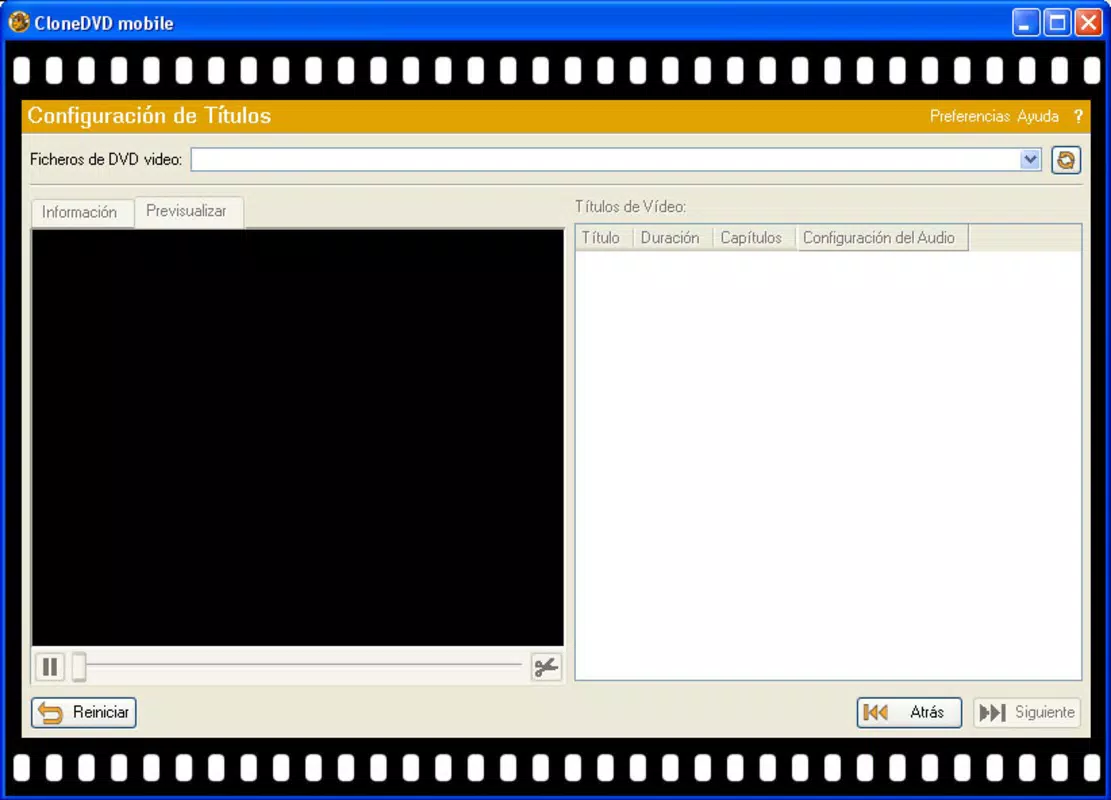
CloneDVD Mobile features a clean and organized interface that prioritizes usability and visual clarity. The layout is structured to guide users through each stage of the conversion process, from selecting the source DVD to choosing the output format and destination. Navigation is intuitive, with clearly labeled buttons and logical flow, reducing the likelihood of user errors. The visual style is minimalistic, focusing on functionality without unnecessary distractions.
Although the developer did not list formal performance metrics, the app is designed to operate efficiently on a range of Android devices. Users can expect consistent responsiveness during file selection, processing, and output configuration. Stability appears to be a core focus, as the app maintains reliable operation across various screen sizes and device configurations. The app’s lightweight footprint of 12.5 MB contributes to smooth performance, especially on devices with limited storage or processing power.
While specific details about background processing, battery usage, or memory consumption were not disclosed, the app’s design suggests optimized resource management. This is critical for users who rely on mobile devices for extended periods and need efficient tools that do not drain system resources. Overall, the user experience is tailored toward simplicity and reliability, making it accessible for both casual and frequent users.
Platform Compatibility & Technical Requirements
CloneDVD Mobile is available exclusively on the Android platform. The current version is 1.0.1, with a file size of 12.5 MB. The app is free to download and install, making it accessible to a broad audience without financial barriers. However, the developer did not specify minimum OS requirements or device compatibility details.
Users are advised to ensure their Android devices meet standard system prerequisites for running third-party utility apps. The lack of explicit technical specifications means compatibility may vary depending on the device’s hardware and software configuration. Despite this, the app’s lightweight nature suggests it is likely to function on most modern Android smartphones and tablets released after 2016.
For users seeking to use the app on older or low-end devices, it is recommended to verify system compatibility before installation. The absence of detailed requirements does not imply incompatibility, but users should exercise caution when deploying the app on unsupported hardware.
Pros and Cons
Pros
- Intuitive interface suitable for users of all experience levels
- Supports a wide range of portable device formats, including PSP and iPod Video
- Delivers high-quality video output ideal for mobile viewing
- Offers versatile output options, including DivX and XviD for PC playback
- Fast conversion speeds enhance user efficiency
- Lightweight size of 12.5 MB ensures minimal storage impact
- Free to download and install, providing accessible utility
Cons
- Specific technical requirements and compatibility details were not provided
- Developer did not disclose information about background processing or battery usage
- No official updates or changelog were listed in the available data
- Compatibility with older Android versions remains uncertain
- No information on supported DVD types (e.g., region-locked discs)
FAQ
Is CloneDVD Mobile safe to install on Android devices?
Yes, the app is available as a free download and is developed by SlySoft, a known entity in the media conversion space. However, users should only download the app from official or trusted sources to ensure security.
Can I use CloneDVD Mobile to convert DVDs to formats for my smartphone?
Yes, the app supports conversion to formats compatible with many smartphones and portable media players, including popular models from Sony and Apple.
Does CloneDVD Mobile support region-locked DVDs?
The developer did not provide information on region code compatibility. Users should test the app with their specific DVD discs to determine functionality.
Is there a paid version or in-app purchases?
No, the app is currently free to download and use without any in-app purchases or subscription requirements.
How often is CloneDVD Mobile updated?
The available data does not include information on update frequency. Users should monitor the app store for new releases or check the developer’s official site for announcements.
Final Thoughts
CloneDVD Mobile stands out as a practical and efficient tool for users seeking to digitize DVD content for mobile playback. Its combination of a user-friendly interface, broad format support, and fast conversion speeds makes it a reliable choice for both casual users and those with larger media libraries. The app’s ability to deliver high-quality output across multiple platforms enhances its value in today’s mobile-first environment.
While some technical details remain unspecified, the app’s lightweight design and free availability make it an accessible option for anyone looking to convert DVDs for on-the-go viewing. Whether for personal videos, movies, or archived content, CloneDVD Mobile offers a straightforward solution to a common digital challenge.
Download CloneDVD Mobile now


